2.5 Environment Permissions

Use the Permissions dialog to manage the user and/or group permission list for a specific environment.

To add an item,
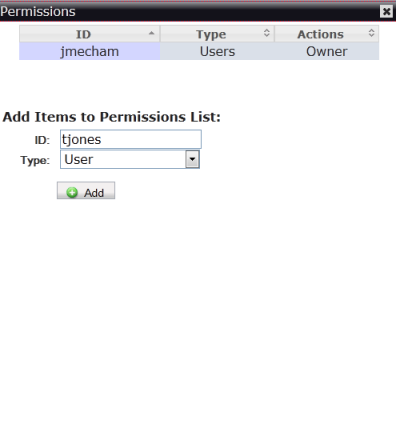
  1. In the Environments page, click Permissions of the environment whose permissions you want to manage.
  2. Type the user or group name in the ID box.
  3. In the Type drop-down list, select User or Group. Click Add.

To delete an item,

  1. In the row of the ID you want to delete, click Remove. Click Yes to confirm the action.